HustlePay · Mobile Counter
Prepare a sale on your phone. Let your customer pay with a QR code or payment link on their own device. From a one-off amount to your regular products: one straightforward flow.
Products or a one-off amount · QR and payment link · No customer account needed
Made for selling in person
Your own counter for serving customers in person. Open it, prepare a sale and follow the payment.
01
Choose from your catalogue or add a one-off item with its own price and photo.
02
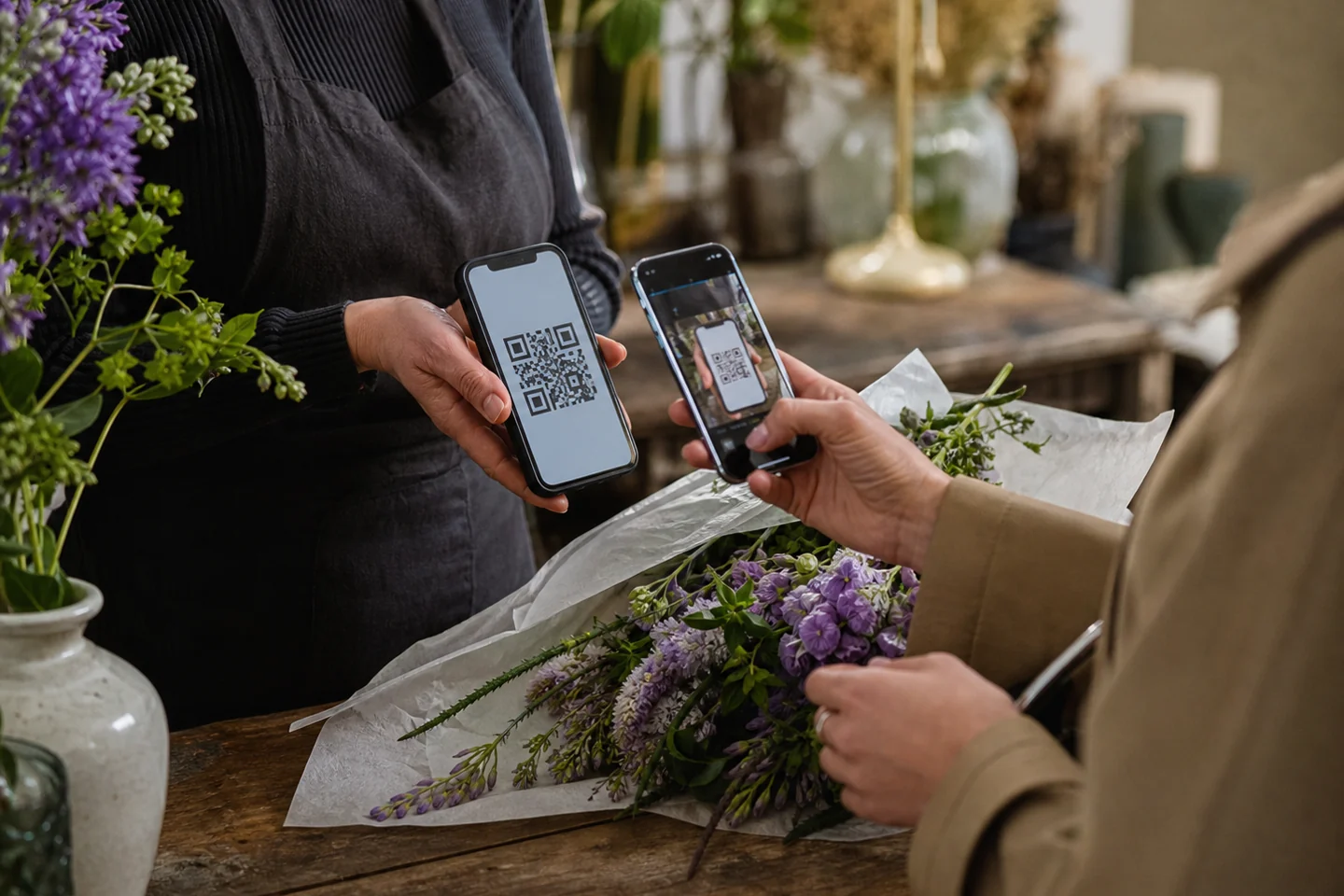
Let your customer scan the code or share a link. The buyer does not need an account.
03
View your sales, payment statuses and invoices in the same place.
04
Use the Counter at your stand, at a market, during an event or on the go.
From login to payment link
STEP 1
Open your account on your phone, tablet or laptop. Your products and sales are ready.
STEP 2
Tap a product or enter a one-off amount. Check the basket and the total.
STEP 3
Create a payment link or QR code. Your customer opens the checkout on their own device.
One place for your sales
Manage your products, prepare a sale and find earlier payments. The Counter works in your browser, including on your phone.
Already have an account? Log in. New to Mobile Counter? Create your own account first.
Good to know
No. Mobile Counter works in the browser on your phone, tablet or laptop.
Yes. You can add a one-off item with its own price to the current sale.
No. Your customer opens the payment link or scans the QR code and completes checkout.
Use the Log in button at the top of this page. After logging in, your own Mobile Counter opens.
Your account starts in test mode. To receive real payments, first configure and test your payment provider in payment settings.
HustlePay Mobile Counter
Open your Counter and prepare your first sale. Have questions about the possibilities? The HustlePay team can help.